Explore the essential principles of UX/UI design that help create intuitive interfaces, meaningful interactions, and engaging digital product experiences.

Table of Content
Overview Introduction Understanding UX and UI Design Why UX/UI Design Matters for Digital Products Start with User Research Information Architecture and User Flows Wireframes and Prototypes Creating Effective User Interfaces Design Systems and Consistency Usability, Accessibility, and Responsive Design Common UX/UI Design Mistakes to Avoid Conclusion Frequently Asked QuestionsOverview
UX/UI design plays a central role in how people experience modern digital products. Whether it is a website, mobile application, SaaS platform, web application, or custom software solution, users expect digital experiences to be clear, intuitive, responsive, and easy to use.
UX design focuses on the broader experience a person has while interacting with a digital product, while UI design focuses on the visual and interactive interface through which that experience takes place. Although they have different areas of focus, UX and UI work closely together to create a complete product experience.
This guide explores the complete UX/UI design process, from understanding users and organizing information to creating wireframes, prototypes, interfaces, design systems, and accessible experiences. It also explains how thoughtful product design can support usability, engagement, and long-term digital product development.
Introduction
A modern digital product is no longer judged only by what it can do. Users also evaluate how easily they can understand it, navigate it, complete tasks, recover from mistakes, and achieve their goals.
This is where UX/UI design becomes important. A technically powerful product can still struggle if its interface is confusing or if important actions are difficult to find. Likewise, an attractive interface cannot create a successful product if the underlying experience does not solve meaningful user problems.
Effective UX/UI design connects functionality with human behavior. It considers what users need, how they think, what information they require, and how they interact with different screens and devices.
For businesses investing in digital product design and development, UX/UI is therefore not simply a visual layer added before launch. It is an important part of product strategy that can influence usability, adoption, satisfaction, and the long-term evolution of the product.
Understanding UX and UI Design
UX and UI are closely connected but represent different aspects of digital product design. Understanding the distinction helps product teams create better experiences and communicate design requirements more clearly.

User Experience (UX) Design focuses on the overall experience a person has with a product. It includes research, information architecture, user flows, interaction patterns, usability, content structure, and the process users follow to accomplish their goals.
User Interface (UI) Design focuses on the visual and interactive elements through which users interact with the product. This includes typography, color, spacing, buttons, forms, icons, components, visual hierarchy, states, and responsive layouts.
UX and UI should not be treated as completely separate processes. Strong visual design needs a strong experience structure behind it, while a well-planned user experience needs a clear and usable interface to become effective in practice.
- UX focuses on experience: How users navigate, understand, and accomplish goals within the product.
- UI focuses on interaction: How visual and interactive elements communicate functionality.
- UX reduces friction: It helps make important tasks easier and more understandable.
- UI creates clarity: It uses visual hierarchy and interaction patterns to guide users.
- Both work together: UX and UI combine to create a complete digital product experience.
Why UX/UI Design Matters for Digital Products
Users form opinions about digital products quickly. If a website is difficult to navigate, an application is confusing, or an important task requires unnecessary steps, users may leave before discovering the value of the product.
Thoughtful UX/UI design helps reduce this friction by making digital experiences easier to understand and use. It can clarify important actions, organize information, establish visual hierarchy, and create consistent interaction patterns across the product.
Good product design also provides a bridge between business objectives and user needs. A business may want more sign-ups, purchases, bookings, inquiries, or active users, while users want a simple and useful way to accomplish their goals. UX/UI design helps connect these needs through the product experience.
- Improved usability: Clear experiences make products easier to learn and navigate.
- Stronger engagement: Relevant and intuitive interactions can encourage users to continue exploring a product.
- Greater consistency: Structured design patterns create a more predictable experience across screens and platforms.
- Better product decisions: Design research and validation can reveal issues before they become expensive development problems.
- Long-term flexibility: Well-structured design systems make it easier to evolve products as requirements change.
Start with User Research
Strong UX/UI design begins with understanding the people who will use the product. Without research, design decisions can easily become based on assumptions, personal preferences, or internal opinions.

User research helps designers understand user goals, behaviors, expectations, frustrations, and decision-making patterns. The research method should depend on the product, audience, available information, and questions the team needs to answer.
- User interviews: Speak directly with users to understand their experiences, needs, and challenges.
- Surveys: Collect structured feedback from a broader group of users.
- Usability testing: Observe how users interact with prototypes or existing product experiences.
- Analytics: Analyze behavioral data to identify patterns in navigation and engagement.
- Customer feedback: Use support requests, reviews, and feedback to identify recurring problems.
- Competitive analysis: Understand existing solutions and identify opportunities to improve the experience.
The goal of research is not simply to create documentation. Research should influence actual design decisions. When insights are connected to product requirements and user flows, designers can create experiences based on evidence rather than assumptions.
Information Architecture and User Flows
Once user needs are understood, the next challenge is organizing the product. Information architecture determines how content and functionality are structured, while user flows describe the paths users take to complete important tasks.
A clear information architecture helps users understand where they are, what options are available, and where they should go next. Poor organization can create unnecessary cognitive effort even when the individual screens look visually polished.

User flows provide a visual representation of important journeys. For example, an e-commerce product may include flows for discovering a product, adding it to a cart, completing checkout, and receiving confirmation. A SaaS platform may have flows for registration, onboarding, creating a project, inviting users, and managing settings.
- Identify primary tasks: Determine what users need to accomplish most frequently or importantly.
- Map the journey: Document the steps required to complete each task.
- Remove unnecessary friction: Reduce redundant steps and confusing decisions.
- Organize information logically: Group related content and functionality in predictable locations.
- Consider different user paths: Account for new users, returning users, and different use cases.
Good information architecture and user flows create the structural foundation for wireframes and interface design.
Wireframes and Prototypes
Wireframes and prototypes allow designers to explore product ideas before committing to final visual design and development. They provide a practical way to test structure, navigation, functionality, and user journeys.
Wireframes typically focus on layout and structure. They help answer questions such as where information should appear, how users move between screens, and what actions should be prioritized.
Prototypes can then introduce interactions and realistic user flows. Depending on the project, prototypes can range from simple clickable wireframes to high-fidelity experiences that closely resemble the final product.
- Low-fidelity wireframes: Quickly explore layout and structural concepts.
- High-fidelity designs: Define more detailed visual and interaction decisions.
- Interactive prototypes: Simulate realistic journeys and interactions.
- Usability testing: Validate important flows before development.
- Design iteration: Refine the experience based on research and feedback.
Prototyping is particularly valuable because design changes are generally easier to make before development begins. Testing early can reveal problems while they are still relatively inexpensive to solve.
Creating Effective User Interfaces
After the experience structure has been established, UI design transforms those decisions into a visual and interactive interface. Effective UI design should communicate hierarchy, functionality, brand character, and interaction states clearly.

A strong interface does not need to be visually complicated. In many cases, simplicity improves usability by allowing users to focus on the task they are trying to complete. Typography, spacing, color, imagery, icons, and components should work together to create a clear visual hierarchy.
- Visual hierarchy: Use size, spacing, contrast, and positioning to communicate importance.
- Typography: Select readable typefaces and establish clear relationships between headings, body text, labels, and supporting content.
- Color: Use color intentionally to communicate meaning, hierarchy, status, and interaction.
- Components: Create reusable interface elements for buttons, forms, navigation, cards, modals, and other recurring patterns.
- Interaction states: Design default, hover, focus, active, disabled, loading, success, and error states where appropriate.
- Responsive layouts: Ensure the interface adapts effectively to different devices and screen sizes.
The best UI design supports the user's task rather than competing with it. Every visual decision should contribute to clarity, usability, consistency, or meaningful product identity.
Design Systems and Consistency
As digital products grow, maintaining design consistency becomes increasingly important. A design system provides a shared collection of principles, components, patterns, styles, and guidelines that help teams create consistent experiences across a product.
Without a structured system, different screens can gradually develop inconsistent spacing, typography, buttons, forms, colors, and interaction behaviors. This can make the product feel fragmented and can increase the time required to design and develop new features.
- Design tokens: Define reusable values for colors, spacing, typography, borders, and other visual properties.
- Reusable components: Create consistent UI elements that can be used across multiple product areas.
- Interaction patterns: Establish predictable behaviors for common user actions.
- Documentation: Explain how components should be used and when different patterns are appropriate.
- Scalability: Make it easier to introduce new features without redesigning common elements from scratch.
A design system can improve collaboration between designers and developers while creating a more consistent experience for users. It becomes particularly valuable for SaaS platforms, enterprise software, and products with multiple interfaces.
Usability, Accessibility, and Responsive Design
A modern digital product needs to work for people in different contexts, on different devices, and with different levels of experience. Usability, accessibility, and responsive design should therefore be considered throughout the UX/UI process rather than added at the end.
Usability focuses on how effectively and efficiently users can accomplish their goals. Accessibility considers whether people with different abilities can successfully interact with the product. Responsive design ensures the experience adapts appropriately across screen sizes and devices.
- Clear navigation: Help users understand where they are and where they can go next.
- Readable content: Use appropriate typography, spacing, contrast, and content structure.
- Keyboard accessibility: Ensure important interactions can be accessed without relying exclusively on a mouse or touch input.
- Meaningful feedback: Clearly communicate errors, loading states, confirmations, and successful actions.
- Responsive layouts: Adapt content and interactions to different screen sizes and device contexts.
- Inclusive interactions: Consider different abilities, environments, input methods, and user needs.
Designing for usability and accessibility does not mean compromising visual quality. When thoughtfully integrated, these principles can create products that are easier and more comfortable for a wider range of users.
Common UX/UI Design Mistakes to Avoid
Even experienced teams can introduce usability problems when design decisions are made without sufficient research, testing, or consistency. Avoiding common mistakes can help create a stronger digital product foundation.
- Designing from assumptions: Internal opinions should not replace real user research and validation.
- Prioritizing appearance over usability: Visual design should support the experience rather than hide usability problems.
- Ignoring mobile experiences: Users increasingly interact with digital products across different devices and screen sizes.
- Overcomplicating navigation: Too many options can make important information difficult to find.
- Skipping prototypes: Building directly from assumptions can increase development rework.
- Inconsistent interfaces: Different patterns for the same actions can create confusion and reduce trust.
- Ignoring accessibility: A product should consider users with different abilities and interaction requirements.
- Failing to measure after launch: UX/UI design should continue to evolve based on real product usage and feedback.
The strongest design process is iterative. Instead of treating a design as finished once it reaches development, teams should continue learning from users and improving the experience over time.
Conclusion
UX/UI design is one of the most important foundations of a successful digital product. It connects user needs, product strategy, information architecture, interaction design, visual communication, accessibility, and technology into a cohesive experience.
The most effective UX/UI process begins with understanding users rather than immediately designing screens. Research reveals problems, information architecture creates structure, user flows define journeys, wireframes explore solutions, prototypes enable validation, and UI design brings the experience together through clear visual and interactive systems.
Great digital product design is also an ongoing process. As users change, businesses evolve, technologies develop, and new information becomes available, the product experience should continue to improve.
Start with the user. Design around real needs. Validate important decisions. Build consistent systems. Consider accessibility and performance. Then use real feedback to continue improving the product. This approach creates digital experiences that are not only visually engaging but also useful, intuitive, scalable, and built for long-term value.
Frequently Asked Questions
- What is UX/UI design?
UX/UI design combines user experience and user interface design to create digital products that are useful, intuitive, visually clear, and easy to interact with. UX focuses on the broader experience, while UI focuses on the visual and interactive interface. - What is the difference between UX design and UI design?
UX design focuses on how a product works and how users move through the experience, including research, information architecture, user flows, and usability. UI design focuses on the visual and interactive elements such as typography, colors, components, layouts, and interaction states. - Why is UX/UI design important for a digital product?
UX/UI design helps connect user needs with product functionality. A well-designed experience can make important tasks easier to understand, reduce friction, improve usability, and create a more consistent interaction across the product. - Should UX design happen before UI design?
UX and UI are closely connected, but teams generally establish user needs, product structure, information architecture, and important user flows before finalizing detailed visual interfaces. This creates a stronger foundation for UI design. - Why are wireframes and prototypes important?
Wireframes and prototypes allow teams to explore and validate product experiences before significant development begins. They can reveal navigation, usability, and interaction problems early, when changes are generally easier to make. - What is a design system?
A design system is a structured collection of reusable design components, styles, patterns, principles, and guidelines. It helps teams maintain consistency and makes it easier to design and develop new product experiences at scale. - How can UX/UI design improve a website or application?
UX/UI design can improve navigation, information structure, usability, visual clarity, interaction patterns, accessibility, and responsive behavior. These improvements can make it easier for users to accomplish their goals within the product. - Does UX/UI design continue after a product launches?
Yes. User behavior, feedback, analytics, business requirements, and technology continue to change after launch. Ongoing UX/UI improvements can help the product remain useful, consistent, accessible, and aligned with user expectations.

Insights | September, 2026
Building Scalable SaaS Products: From Idea to Launch
Discover how to transform a SaaS concept into a scalable digital product by combining user-focused design, reliable development, and a clear product strategy.
Brandube
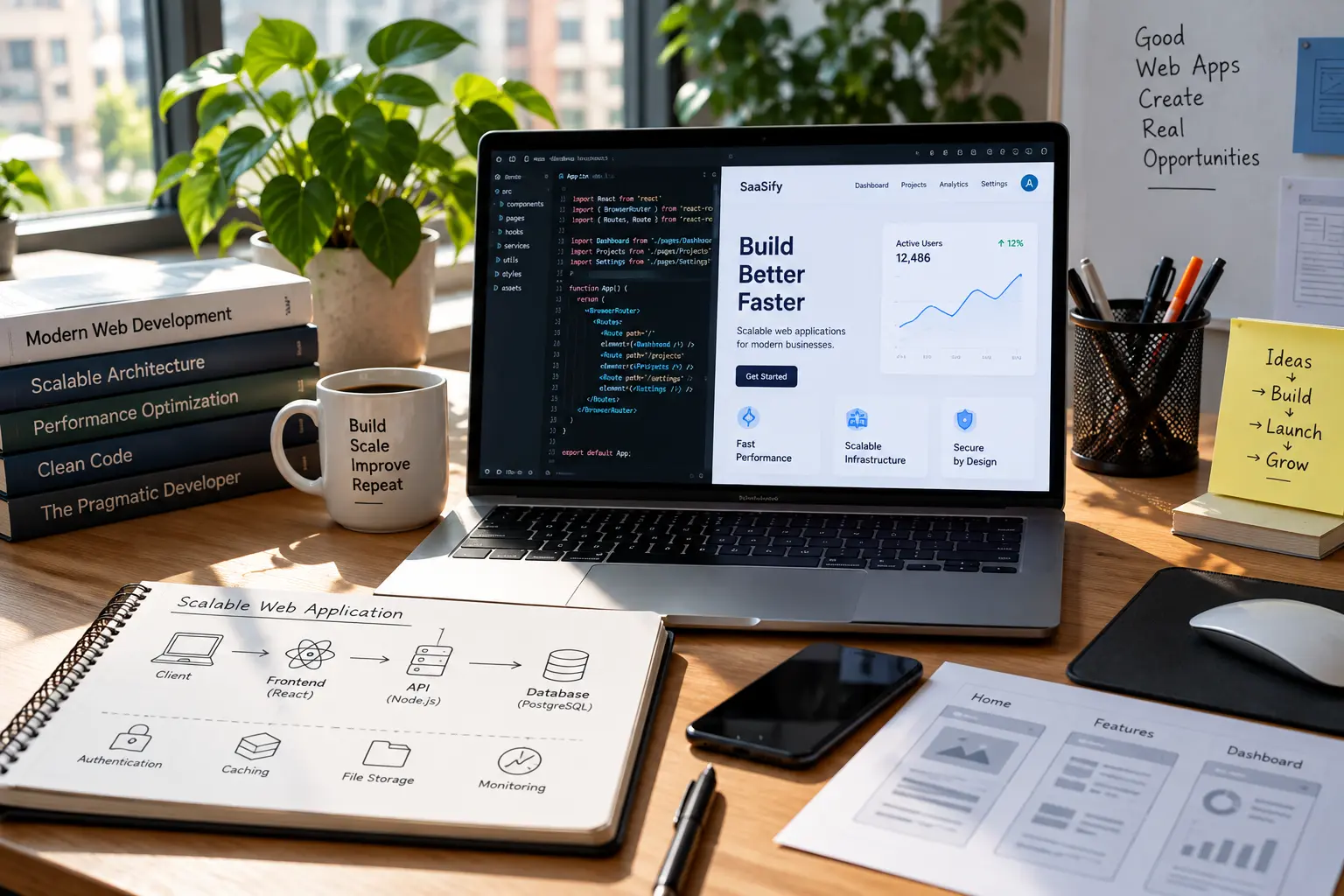
Insights | September, 2026
A Practical Guide to Building High-Performance Web Applications
Discover the key considerations for developing web applications that deliver reliable performance, scalable architecture, intuitive experiences, and long-term value.
Brandube

Insights | September, 2026
Why Ongoing Product Development Matters After Launch
Learn how continuous improvements, performance optimization, maintenance, and new features help digital products remain secure, useful, reliable, and ready to evolve.